
Export any table on a page as CSV, JSON or YAML.
Browser extension
Quote with Link
Copy a quote with a link back to the exact spot on the page.
What it does
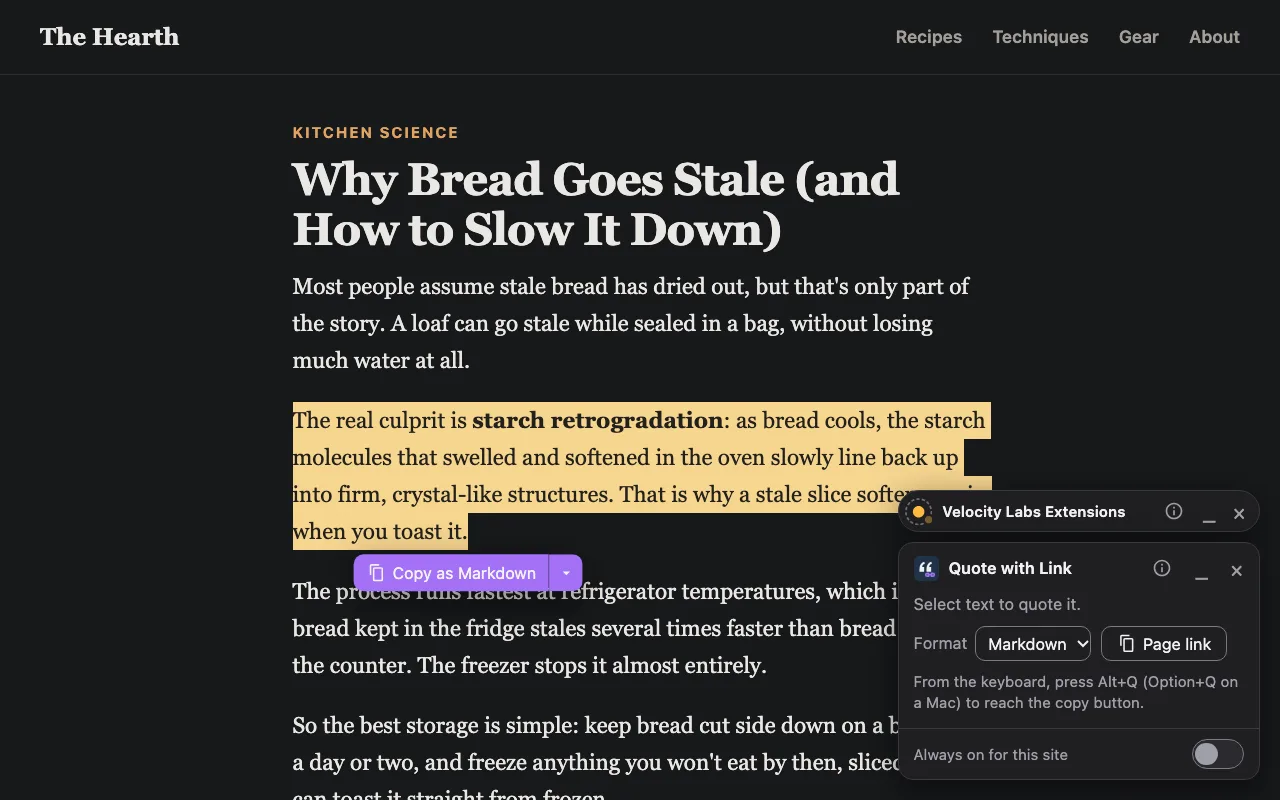
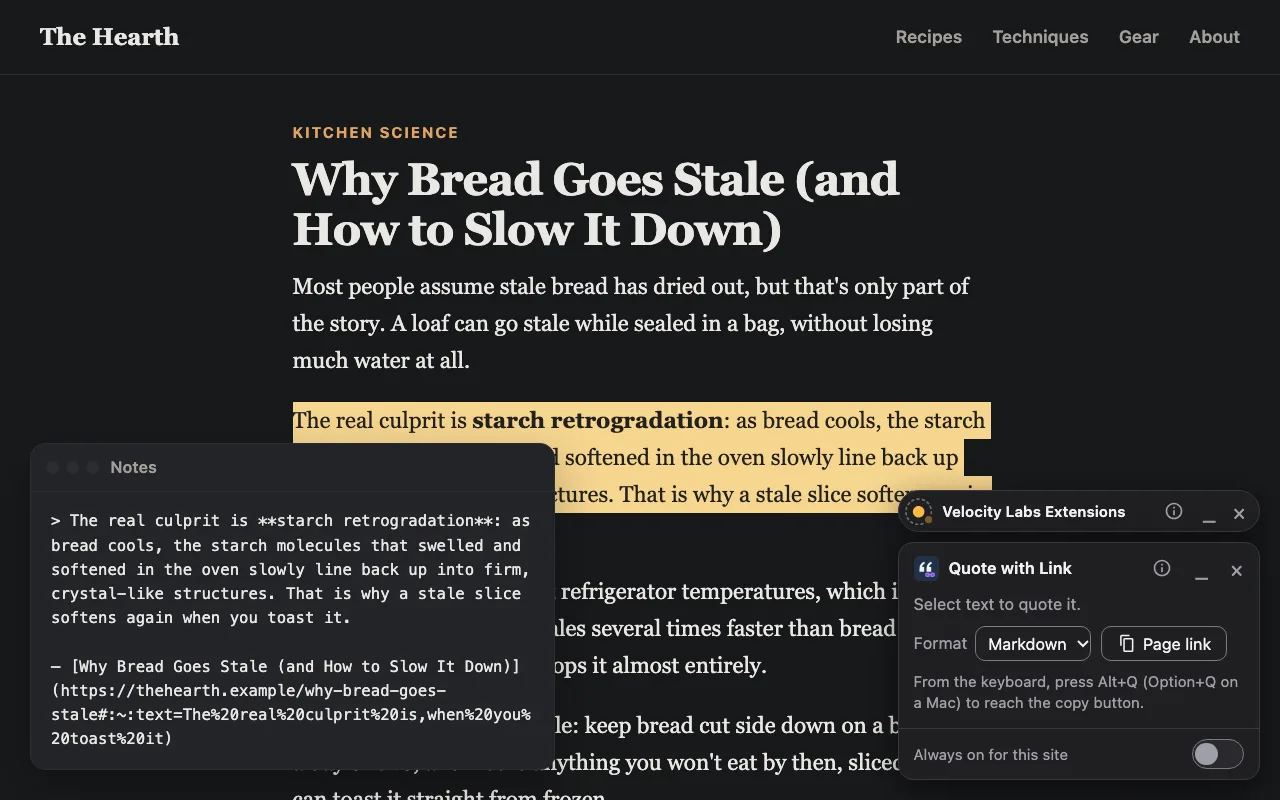
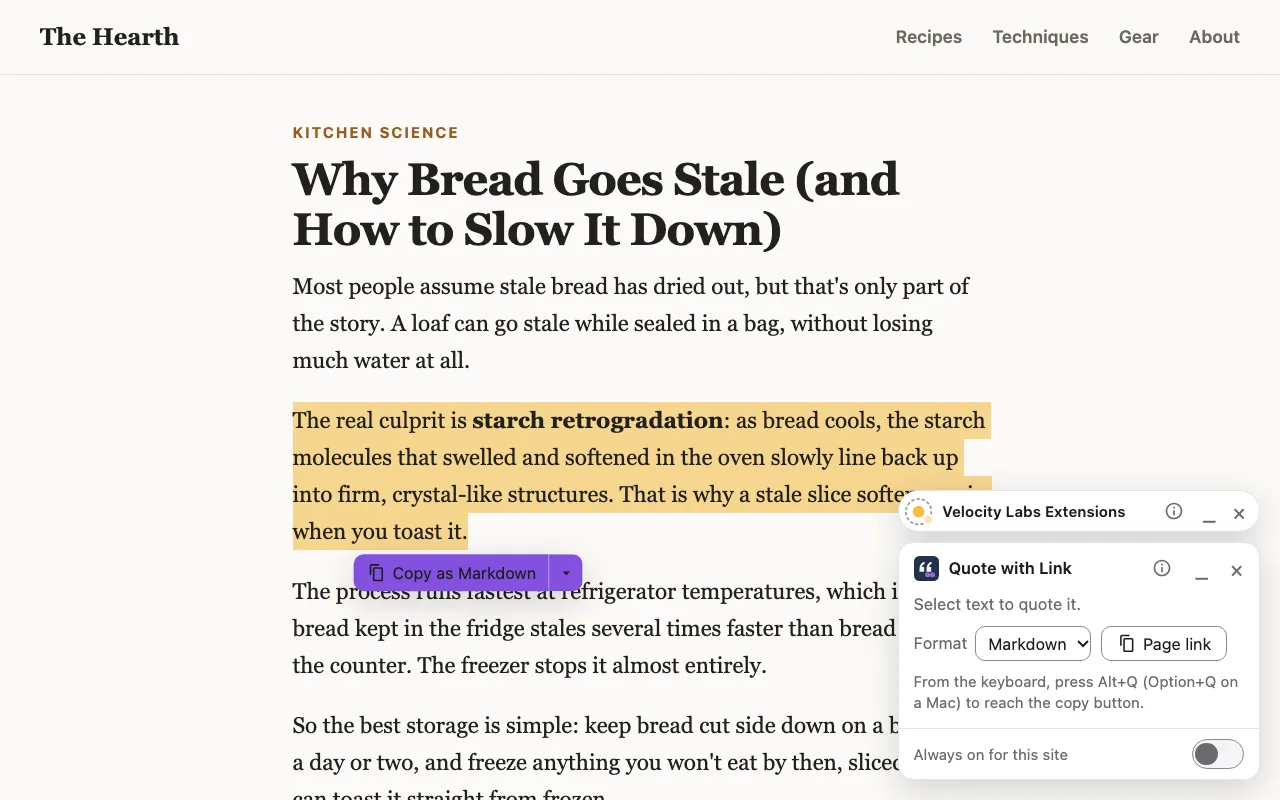
Select some text and copy it as Markdown, plain text, rich text or HTML, with bold, links and lists intact. The link has tracking codes stripped and opens the page scrolled to the quote, highlighted.
It can:
- Read the page you're on, after you click its button
- Remember your format, in your browser only
Screenshots
How to use it
- Click Quote with Link in your browser’s toolbar to turn on quote mode for the tab.
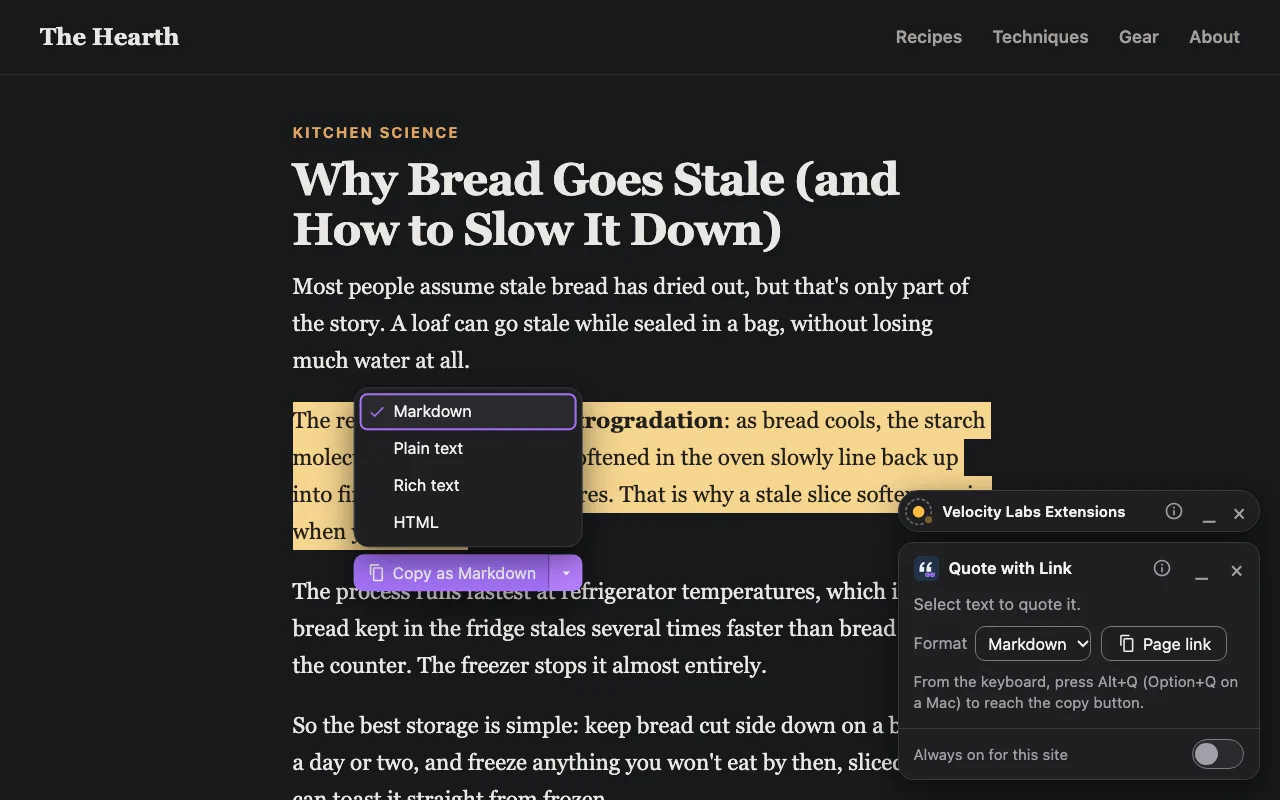
- Select some text. A Copy as Markdown button appears beside it; its ▾ menu picks another format, which becomes your default.
- Paste anywhere. From the keyboard, Alt+Q (Option+Q on a Mac) reaches the copy button. The panel’s Page link copies just the page’s link.
Always on for a site. To have Quote with Link start by itself on a site you use a lot, turn on "Always on for this site" in its panel. Each panel has _ to minimize it and × to turn it off.
Privacy
Quote with Link collects no data. It has no analytics, no accounts and no servers, and its pages
block every network request (a Content Security Policy of connect-src 'none'), so
it can't send anything anywhere. Anything it reads stays in your browser.
- Only after you click. Installing it gives it no access to any website. It can see a page only after you click its toolbar button on that page, and only that tab.
- It asks for
activeTabandscripting(to read the text you select on the tab you clicked on) andstorage(to remember your format). - What you copy goes to your clipboard and nowhere else. Your format is kept in the extension’s own storage, which websites can’t read.
- "Always on" is one site at a time. If you turn it on, your browser asks you to confirm, naming the site, and it covers that site only. Nothing is granted at install, and you can turn it off from the panel or in your browser's extension settings.
- Nothing hidden. In Chrome and Edge, the "Always on" confirmation is a page websites can load, so a site could tell that Quote with Link is installed, though its address changes every session to make that hard. It reveals nothing else. In Firefox and Safari the confirmation opens in a small window instead, and no site can load any part of it.
Links from the extension to this site don't tell us which page you came from. If you write to us below, we get only what you send, and use it only to answer you.
Last updated November 13, 2026.
More extensions from us

Count the words on a page and see how long it takes to read.
Questions or problems?
Tell us what happened and we'll get back to you. Ideas for what it should do next are welcome too.